WhatsApp Auto Reply for Salon Bookings: A Practical Guide
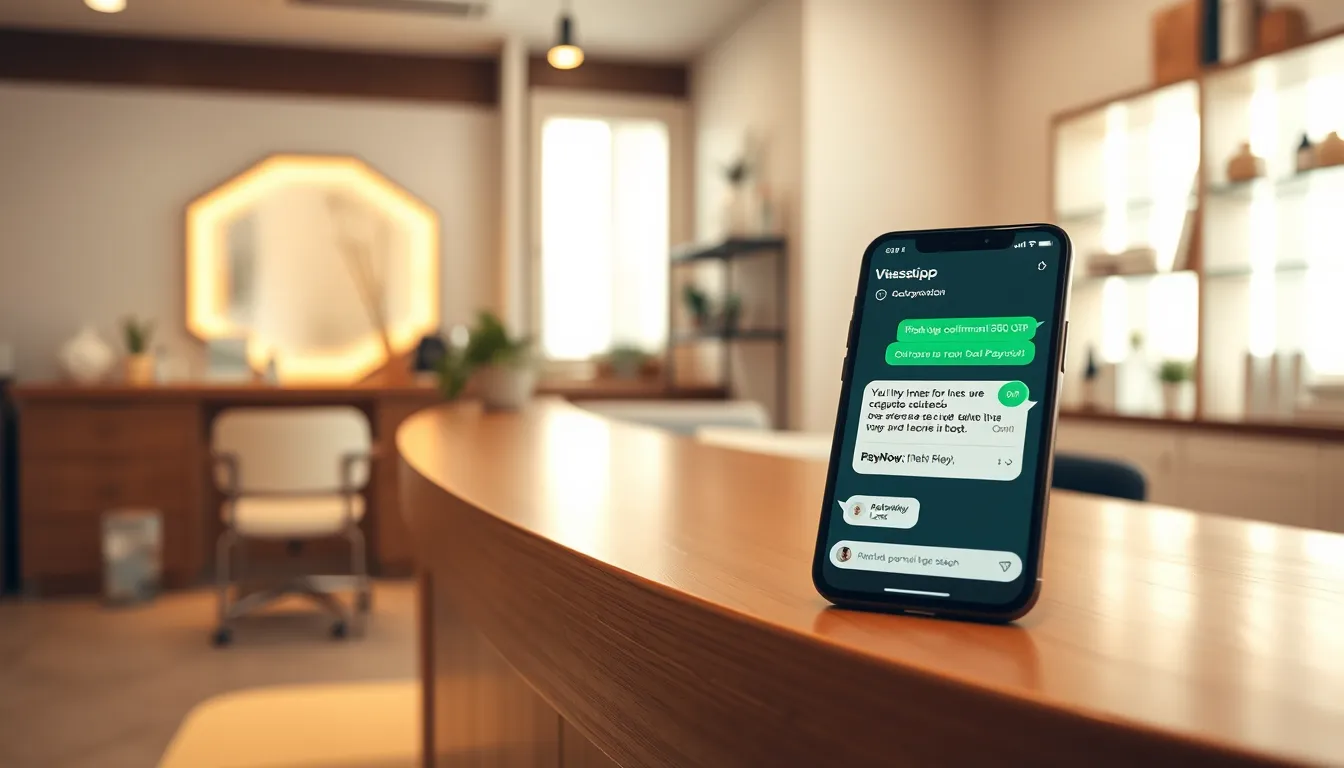
Why your salon keeps missing bookings on WhatsApp
You're mid-treatment, hands occupied, and three WhatsApp messages just landed. One is asking about your gel removal price. One wants to book a lash lift for this Saturday. The third sent a question at 11 pm last night and has already moved on.
This is the daily reality for most Singapore salons — lash studios, nail bars, aesthetics studios, spas. WhatsApp is where customers prefer to reach you, but the channel only works if someone is watching it. The moment you're busy or it's after hours, bookings leak out silently.
A WhatsApp auto reply for salon bookings fixes this specific gap. Not a generic broadcast tool — an AI that actually answers price questions, checks availability, books a slot, and holds it with a PayNow deposit, all without you lifting a finger.
Here's how to think through it.
What "auto reply" actually needs to do for a salon
The term gets used loosely. A basic out-of-hours message saying "Hi, we'll get back to you" is technically auto reply. But it doesn't book anyone. What a salon genuinely needs is closer to a 24/7 AI receptionist that can:
- Answer the 20 questions you get every day — prices, duration, what to prepare, parking, whether you accept walk-ins
- check live availability and offer real slots across your staff
- Confirm appointments and send reminders so customers don't forget
- Collect a deposit via PayNow before fully locking the slot
- Switch to a human the moment the chat needs a real person
If an "auto reply" can't do all of that, you still have a receptionist problem — you've just moved it one step later in the conversation.
How SmartFAQ Assistant handles salon bookings end to end
SmartFAQ Assistant is a WhatsApp AI receptionist built for Singapore businesses. It runs on a dedicated WhatsApp number (separate from your personal or existing business number), goes live within 3–5 business days, and is trained specifically on your salon's services, prices, staff and policies.
Here's what a typical booking conversation looks like:
Customer (10:48 pm): Hi, do you have lash lift slots this weekend?
SmartFAQ: Hi. Yes, we have openings on Saturday afternoon and Sunday morning. Which day works better for you?
Customer: Saturday around 2pm?
SmartFAQ: We have 2:30 pm available with Sarah. To confirm the slot, a $30 deposit is required via PayNow. Shall I send you the payment link?
Customer: Yes please
SmartFAQ: Here is your PayNow link: [link]. Once payment is received, your booking is confirmed and you'll get a reminder the day before.
The slot is held while the customer pays. When payment comes through, the booking locks automatically. If payment doesn't arrive, the slot releases — no chasing needed. The money goes straight to your PayNow account. SmartFAQ never holds your funds.
Deposit logic: how it reduces no-shows without awkward conversations
Asking customers for a deposit face-to-face or over WhatsApp manually can feel uncomfortable. When the AI handles it as a standard step in the booking flow, it becomes matter-of-fact.
You set your own deposit amount. You set your own refund and cancellation policy, which the AI explains to customers when they ask. The money is in your account immediately — your policy governs what happens if they cancel.
To work out whether deposits make sense for your salon, look at your no-show rate over the last month. Multiply missed slots by your average service price. That's the monthly revenue sitting in unconfirmed bookings. If the figure is meaningful, a small deposit on new or unknown customers is worth trying on your premium services.
Multi-language: your customers don't all message in English
Singapore salons serve customers who message in English, Mandarin, Malay and Tamil — sometimes within the same conversation. SmartFAQ detects the language each customer writes in and replies accordingly. You don't configure this; it just works.
A heartland HDB salon and a CBD aesthetics studio face the same challenge here. A customer who messages in Chinese at 9 pm gets a proper reply in Chinese — not a generic holding message that forces them to call back during business hours.
Comparing your options for salon WhatsApp automation
| Approach | Handles bookings | Deposit collection | Live availability | Human takeover | Cost indication |
|---|---|---|---|---|---|
| WhatsApp Business app quick replies | No — FAQ snippets only | No | No | Manual (you're always on) | Free |
| Generic chatbot tools | Partial — depends on setup | Rarely out of the box | No (static slots) | Limited | Varies |
| SmartFAQ Assistant (Pro) | Yes — live calendar | Yes — PayNow | Yes — per staff and skills | Yes — inbox with takeover | SGD 90/month + $399 setup |
The core difference is live calendar access. Many generic automation tools send customers a form or a booking link and leave them to it. SmartFAQ holds the slot, sends the PayNow link, confirms on payment and releases the slot if unpaid — all inside the WhatsApp conversation.
Membership and package tracking on WhatsApp
Salons that sell packages — 10-session facials, monthly lash fill memberships, prepaid nail care credits — typically track usage in a spreadsheet or by memory. Customers message asking "how many sessions do I have left?" and someone has to check manually.
SmartFAQ's digital membership tracking lets customers ask via WhatsApp and get an instant balance statement. The system also sends automatic expiry reminders 30 days before a package lapses, so customers rebook rather than lose credits quietly.
Getting set up: what the process looks like
One concern salon owners raise: "I don't have time to configure a whole system." The setup is handled by Aureus Automation's team, not by you alone.
- You provide your FAQs, service menu, prices and staff details. A PDF price list is fine.
- Aureus trains the AI on your specific content and sets up your calendar, staff schedules, services and booking page.
- You review and approve before anything goes live.
- A dedicated WhatsApp number (most clients use a cheap prepaid SIM) is connected. Your existing number is untouched.
- Go live — typically within 3–5 business days of receiving your content.
After launch, you manage things from a dashboard. On Pro and Business plans, you also get a conversation inbox where you can read any chat, reply directly, or take over from the AI whenever you want.
What about PDPA?
Customer data — names, contact numbers, booking history — sits on a dedicated Singapore server. It's not shared across businesses and not used to train AI models. You can export or delete data at any time. SmartFAQ operates in line with PDPA principles, which matters if customers ask how their data is handled.
Plans at a glance
- Starter — SGD 50/month: 1,000 AI replies, FAQ answering, lead capture, analytics. Good for salons that mainly want 24/7 FAQ coverage.
- Pro — SGD 90/month (most popular): 2,000 AI replies, adds bookings, PayNow deposits, membership tracking, contacts and greetings, conversation inbox.
- Business — SGD 200/month: 5,000 AI replies, up to 3 outlets, outbound conversations, multi-outlet routing.
Every plan has a one-time setup fee of SGD 399. There's no lock-in — month to month. If you want the AI to book into your own existing booking system, the Calendar Integration add-on is SGD 400 one-time on Pro or Business.
If you're running an appointment-based business and want a standalone online booking system on top of (or separate from) WhatsApp automation, DiaryPilot — Aureus Automation's sister product — is worth a look.
Ready to stop watching bookings walk away?
If your salon is fielding the same questions daily, losing after-hours enquiries, and chasing deposits by hand, WhatsApp auto reply done properly is a straightforward fix. See the plans at smartfaqassistant.com/#pricing or send us a message on WhatsApp at wa.me/6587784828 and we'll show you exactly how it would work for your salon.
Related reading
Frequently asked questions
Can WhatsApp auto reply actually book salon appointments, or just send messages?
A basic auto reply only sends pre-written messages. SmartFAQ Assistant goes further — it checks live staff availability, offers real slots, collects a PayNow deposit to hold the booking, and confirms the appointment automatically once payment is received. The whole booking is handled inside the WhatsApp conversation.
Will my customers know they're talking to a bot?
SmartFAQ answers naturally in the customer's own language. For anything outside the AI's training — unusual requests, complaints, sensitive situations — the chat appears in a conversation inbox and a staff member can take over at any point. Many customers simply get their answer and book without the experience feeling different.
Do I need to give up my existing WhatsApp number?
No. SmartFAQ runs on a separate dedicated number, usually a cheap prepaid SIM. Your personal number and your existing WhatsApp Business number are completely unaffected.
How does the PayNow deposit work for salon bookings?
When a customer books a service that requires a deposit, SmartFAQ holds the slot and sends a PayNow payment link. Once payment is received, the booking confirms automatically. If payment doesn't arrive, the slot releases. The money goes straight to your own PayNow account — SmartFAQ never holds it.
How long does it take to get the WhatsApp AI set up for my salon?
Most salons go live within 3–5 business days. Aureus Automation's team handles the AI training, calendar setup, staff schedules and booking page for you. You review everything before it goes live.
Is my customers' data safe and PDPA-compliant?
Customer data is stored on a dedicated Singapore server, never shared across businesses, and never used to train AI models. You can export or delete data at any time. SmartFAQ operates in line with PDPA principles.