Stop Salon No-Shows with PayNow Deposits: A Practical Guide
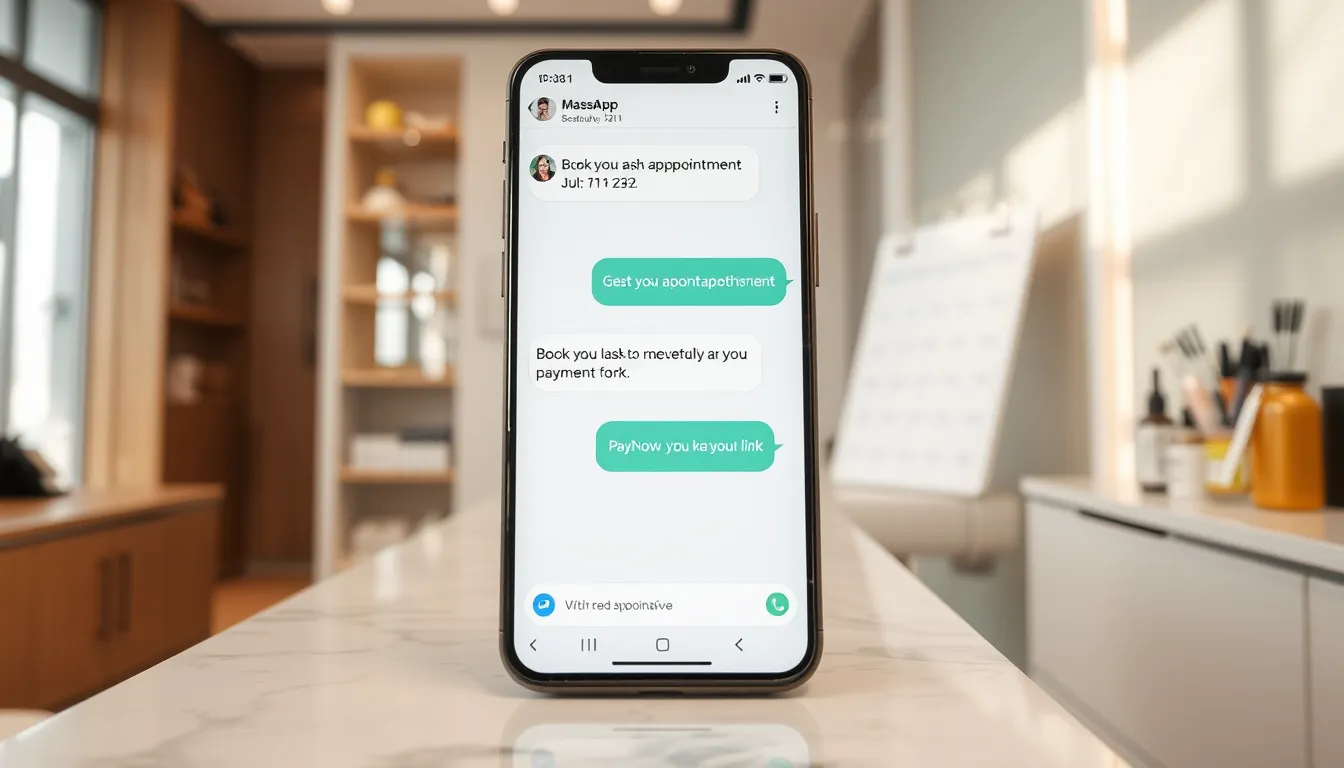
No-shows are a quiet drain. A client books your lash lift for 2 pm, you block the slot, turn away a walk-in, prep your station — and at 1:58 pm, nothing. No message, no call. That slot is gone.
For a one- or two-chair salon, even two no-shows a week adds up fast. Multiply that by your average service price and you will see the real cost without needing a spreadsheet.
A practical fix: collect a PayNow deposit at the point of booking, automatically, before the slot is confirmed. This guide walks you through exactly how to do it.
Why No-Shows Happen (and Why Reminders Alone Are Not Enough)
Most no-shows are not deliberate. The client forgot, something came up, or they booked two places and chose the other. A reminder helps — but it does not create skin in the game.
A deposit does. When a client has already sent $10 or $20 via PayNow, they either show up or they message you to reschedule. The psychology is simple: losing money feels worse than the inconvenience of rescheduling.
A reminder is a promise. A deposit, even a small one, is a financial commitment, and that is a different conversation.
What a Good Deposit Policy Looks Like for Singapore Salons
There is no one-size-fits-all rule, but here is what works in practice:
- Deposit amount: A percentage of the service price, or a flat fee ($10–$30). Enough to signal commitment without scaring off genuine customers.
- Which services need it: Focus on time-heavy, slot-intensive services — lash extensions, hair colour treatments, facial packages, nail art sets. A 15-minute brow trim probably does not need one.
- Refund or forfeit rule: Decide in advance what happens to the deposit on a same-day cancellation, a no-show and a reschedule with notice, and write it down.
- Where it is stated: Your booking confirmation message, your Instagram bio, your WhatsApp auto-reply. Surprises cause disputes; clarity prevents them.
Put your policy in writing and send it at the moment of booking — not after. That one step removes almost all the arguments later.
The Manual Way vs. The Automated Way
| Approach | What actually happens | The problem |
|---|---|---|
| Ask for PayNow after booking | You send the PayNow number manually, chase payment, follow up again | Forgotten, awkward, inconsistent |
| Collect at front desk on arrival | No deposit before the slot — client still no-shows | Slot already blocked, too late |
| Manual deposit tracking spreadsheet | You update it yourself, chase balances | Errors, wasted time |
| Automated PayNow deposit at booking | Customer books via WhatsApp, gets PayNow link instantly, slot confirms on payment, auto-releases if unpaid | Nothing to chase, no human in the loop |
The automated approach is the only one that consistently holds the slot and collects payment without requiring your attention at each step.
How SmartFAQ Assistant Handles Deposits Automatically
SmartFAQ Assistant is a WhatsApp AI receptionist built for Singapore salons and SMEs. When you set up a service that requires a deposit, here is what the customer experience looks like:
Customer messages your WhatsApp at 10 pm:
"Hi, I want to book a lash lift for Saturday afternoon."
SmartFAQ replies:
"Sure. We have slots at 2 pm and 4 pm on Saturday. Which do you prefer?"
Customer picks 4 pm. SmartFAQ replies:
"To hold your slot, a $20 PayNow deposit is required. Here is the payment link: [link]. Your booking confirms once payment is received."
Customer pays. SmartFAQ sends:
"Payment received. Your lash lift is confirmed for Saturday 4 pm with [stylist name]. See you then."
If the customer does not pay, the slot is automatically released — no ghost booking sitting on your calendar.
The money goes directly into your own PayNow-linked account. SmartFAQ and Aureus Automation never hold your funds.
This whole exchange happens without you lifting a finger, whether it is midnight or during a busy Saturday afternoon when you are elbow-deep in a colour treatment.
What Happens with Packages and Memberships
No-shows are not just a single-booking problem. If you sell package sessions — 10 lash fills, a block of facials, a fitness class bundle — tracking usage by hand is its own headache. Clients ask "how many sessions do I have left?" and you scroll through a notebook.
SmartFAQ includes digital membership and package tracking. Customers can ask their session balance directly on WhatsApp and get an instant reply. You also get automatic expiry reminders sent 30 days before a package expires — which nudges clients to book and use their sessions rather than letting them lapse.
Fewer expired packages means fewer unhappy clients and fewer refund conversations.
Setting This Up: What to Expect
You do not need to be technical. When you sign up, Aureus trains the AI on your services, prices, staff schedules and deposit rules. The setup includes:
- Your FAQ and service list loaded into the AI
- Staff profiles with working hours, days off and which services they handle
- Services flagged that need a deposit, with the amount
- A live booking calendar and a self-booking page for your clients
- PayNow deposit links automated per booking
Most salons are live within three to five business days. You get a dedicated WhatsApp number (most clients just use a cheap prepaid SIM) — your personal number stays separate.
The Pro plan at $90/month is where deposits and calendar booking live. There is a one-time setup fee of $399. If you are on Pro and want the AI to also write into your own existing booking system, there is a calendar integration add-on at $400 one-time.
A Quick Way to See If It Makes Sense for Your Salon
Run this rough calculation:
- Average service revenue per slot: $X
- No-shows or last-minute cancellations per week: Y slots
- Annual lost revenue estimate: X × Y × 52
For example, if your average slot is worth $80 and you lose three slots a week to no-shows, that is roughly $12,480 a year sitting on your calendar but never in your account. Even recovering half of that changes the picture significantly.
Compare that to $90/month (Pro plan) and a one-time $399 setup. The numbers usually make the decision for you.
A Few Things Clients Ask About Deposits
"Won't customers be put off by a deposit?" Some will ask about it — that is normal. But clients who are serious about their appointment are not bothered by a deposit they know is going toward their service. The ones who ghost are exactly the clients you want to screen out.
"What if they want to reschedule?" Your own policy decides this. Put your reschedule rule in your FAQ and SmartFAQ explains it whenever a client asks, so nobody is surprised.
"Does it work in Chinese or Malay?" Yes. SmartFAQ detects the customer's language and replies in it — English, Mandarin, Malay, Tamil and more. Your deposit instructions and confirmation messages go out in the language the customer is comfortable with.
The Bottom Line
A PayNow deposit policy stops salon no-shows because it turns a casual booking into a financial commitment. The gap between knowing you should do this and actually doing it consistently is where most salons lose money — because the manual version is too easy to skip under pressure.
Automating it through WhatsApp closes that gap. Every booking that needs a deposit gets one, every time, at any hour, with zero extra work from your team.
If you want to see how this would work for your salon specifically, have a look at the plans at smartfaqassistant.com/#pricing or send us a message on WhatsApp at wa.me/6587784828.
Related reading
Frequently asked questions
How much should a salon charge as a deposit in Singapore?
There is no fixed rule. Some salons use a percentage of the service price, others a flat amount such as $10–$30. The goal is enough to make the booking feel like a real commitment, without being so high it puts off genuine customers. Focus deposits on your longer, more expensive services where a no-show hurts most.
Can I collect a PayNow deposit automatically when a customer books on WhatsApp?
Yes. With SmartFAQ Assistant, when a customer books a service that requires a deposit, they receive a PayNow payment link in the same WhatsApp chat. The slot is held and confirmed automatically once payment comes through — and auto-released if they do not pay within your set window.
Does the money go to SmartFAQ or to my salon?
It goes directly to your own PayNow-linked bank account. Aureus Automation (the company behind SmartFAQ Assistant) never holds or touches your deposit payments. You stay in full control of the funds.
What happens if a customer cancels after paying a deposit?
That is your policy to set, and refunds are handled by you, since the deposit is paid into your own account. Put the policy in your FAQ so SmartFAQ can explain it whenever a customer asks.
Will a deposit requirement drive customers away?
Customers who are serious about their appointment are rarely bothered by a small deposit. The clients most likely to skip are exactly the ones a deposit filters out. Framing it clearly — 'to hold your slot' — makes it feel fair rather than punitive.
How long does it take to set up automated PayNow deposits for my salon?
Once you sign up for the SmartFAQ Pro plan, Aureus trains the AI on your services and sets up your deposit rules, calendar and booking page. Most salons are live within three to five business days. There is a one-time setup fee of $399 alongside the $90/month plan fee.