Salon Booking Deposits & Card-on-File: What Actually Works
Why Deposits Matter at the Point of Booking
Taking a deposit when a customer books — not days later, not on arrival — is the moment it actually protects your calendar. The longer the gap between booking and payment, the easier it is for a customer to ghost the slot without feeling any friction.
This is a practical question that comes up constantly for Singapore salon and spa owners: how do salon booking systems handle deposits or card-on-file requirements at the time of booking? The answer depends on the tool, the payment method, and how your customers prefer to pay. Let's go through the real options.
The Three Main Deposit Approaches
1. Card-on-File
The system stores a customer's card details (usually tokenised through Stripe or a similar gateway) at the time of booking. If the customer no-shows, the business charges the card later.
Works well when: your customers are comfortable saving card details online, you have a Stripe-compatible setup, and your clientele skews towards card-paying regulars.
Friction point in Singapore: many local customers — especially those booking through WhatsApp or at HDB heartland outlets — are not comfortable storing card details with a third party. PayNow is a far more familiar and trusted payment method here.
2. Full or Partial Deposit Collected Upfront
The system collects a fixed amount (or a percentage of the service price) before confirming the slot. The booking is only confirmed once payment clears.
This is the cleanest model for no-show protection. The customer has real skin in the game before they walk out your door (or close WhatsApp).
Key design question: how does the system hold the slot while waiting for payment, and what happens if payment never arrives?
With SmartFAQ Assistant's PayNow deposit flow:
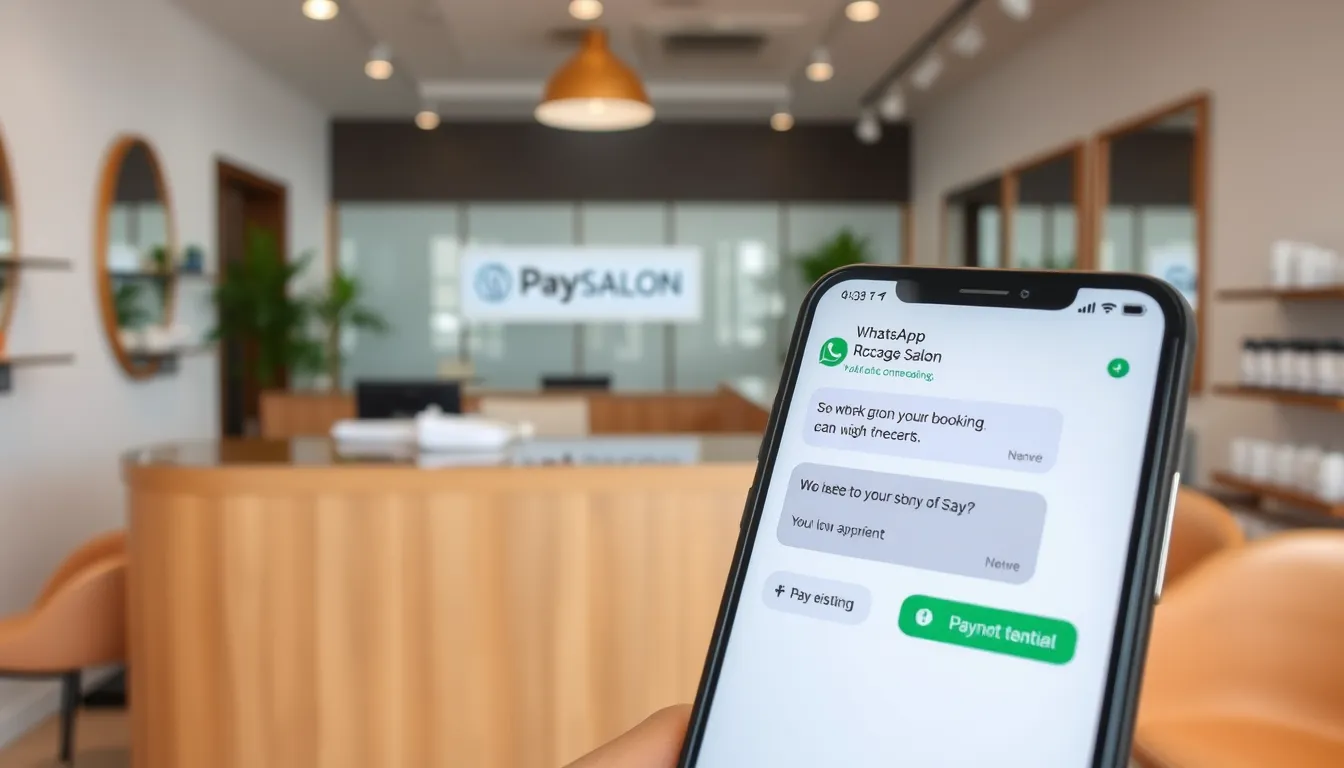
- When a customer books a service that requires a deposit, the AI holds the slot and sends a PayNow payment link in the same WhatsApp conversation.
- The booking confirms automatically once payment is received.
- If payment is not made, the slot is released back to the calendar.
- The money goes directly into the business's own bank account — SmartFAQ never holds funds.
The business decides what deposit amount to collect and sets its own refund or cancellation policy. The AI can explain that policy to the customer because the owner puts it in the FAQ — the enforcement and any refunds are handled by the business directly (the money is already in your account).
3. Manual Payment Chase (the status quo for most)
Customer books, you send a PayNow number separately over WhatsApp or via a note in the booking confirmation, then chase them to pay. If they don't, you either hold the slot on faith or manually release it.
This works, but it's admin you're doing by hand — often after hours, often for bookings that never confirm. It also relies on you (or your staff) being available to follow up quickly.
Comparison: Deposit Approaches for Singapore Salons
| Approach | Confirmation | Customer friction | Admin effort | Singapore fit |
|---|---|---|---|---|
| Card-on-file | Instant | Higher (card details) | Low once set up | Moderate |
| PayNow deposit (automated) | On payment | Low (familiar method) | Very low | High |
| Manual PayNow chase | Manual | Low | High | Common but slow |
| No deposit | Instant | None | None | High no-show risk |
A Realistic WhatsApp Deposit Flow
Here's what an automated PayNow deposit looks like in practice:
Customer: Hi, I want to book lash lift for Saturday 3pm
SmartFAQ: Sure. Saturday 3pm with [staff name] is available. This service requires a deposit of $30 to confirm your slot. Here's the PayNow link: [link]. Your slot is held — once payment is received, you'll get a confirmation.
Customer: Ok, paid
SmartFAQ: Got it. Your appointment is confirmed for Saturday, 3pm. See you then.
No staff involvement needed unless the customer has an unusual question. The slot moves from held to confirmed without anyone manually checking a transfer screenshot.
What to Think About Before Setting Up Deposits
Before you configure any system, get clear on these three things:
1. Which services actually need a deposit? Long services or those with hard-to-fill gaps (think 2-hour hair treatments, bridal trials, semi-permanent lashes) tend to justify a deposit more than a 20-minute brow shaping. You don't have to apply it across the board.
2. How much? That's your call — it's your business, your margins, and your read on your clientele. Some owners collect a flat amount; others set it as a portion of the service price. Neither is universally right.
3. What is your cancellation policy? An automated deposit flow does not automatically answer the question of what happens if someone cancels with 2 hours' notice. Write out your policy, put it in your FAQ — the AI will explain it to customers when they ask. The money is in your account; what you do with it is up to you.
Beyond Deposits: Package Balances and Expiry Reminders
Deposits are one part of the payment-and-loyalty picture. If your salon sells packages (10-session facials, monthly memberships), tracking redemptions and chasing expiring balances is a separate headache.
SmartFAQ Assistant includes digital membership and package tracking: customers can WhatsApp to check their balance, and the system sends automatic expiry reminders 30 days before a package runs out. That's the kind of admin that gets dropped when you're busy with clients.
A Note on Booking Into Your Own Existing System
Some salons already have a booking system they like — SimplyBook, or something else — and don't want to migrate. SmartFAQ has a Calendar Integration add-on (one-time SGD 400 on Pro or Business plans) that lets the AI book directly into your existing system rather than a separate calendar. If you're evaluating standalone booking pages as an alternative, DiaryPilot is Aureus Automation's dedicated online booking system for appointment-based businesses, starting from SGD 49/month with a 30-day free trial.
Setting Up: What It Looks Like in Practice
SmartFAQ Assistant runs on a dedicated WhatsApp number (most clients use a prepaid SIM — your personal number stays untouched). Aureus trains the AI on your services, prices, staff schedules and FAQ, sets up your booking calendar and deposit rules, and you're typically live within 3–5 business days.
Plans start at $50/month (Starter) with no lock-in. The Pro plan at $90/month adds booking, PayNow deposits, memberships and the conversation inbox where you or your staff can read, reply or take over any chat manually. There's a one-time setup fee of $399.
Data sits on a dedicated Singapore server, is never shared across businesses, and is handled in line with PDPA principles. You can export or delete your data at any time.
The Bottom Line
The best deposit setup for your salon is the one customers will actually complete. For most Singapore salons that take bookings over WhatsApp, an automated PayNow deposit — where the slot is held, the link is sent in-chat, and the booking confirms on payment — removes the manual follow-up without adding friction for customers who are already comfortable with PayNow.
If you want to see how this works for your specific setup, check the plans at smartfaqassistant.com/#pricing or drop us a message on WhatsApp at wa.me/6587784828.
Related reading
Frequently asked questions
Can a WhatsApp booking system collect a PayNow deposit automatically?
Yes. SmartFAQ Assistant holds the slot when a customer books, sends a PayNow payment link in the same WhatsApp chat, and confirms the booking once payment is received. If payment doesn't arrive, the slot is released. No manual chasing required, and the money goes straight to the business's own bank account.
What happens to the deposit if a customer cancels?
The deposit lands in the business's own bank account — SmartFAQ never holds the funds. What happens to it on cancellation is entirely the business's own policy. Set your policy, add it to your FAQ, and the AI will explain it to customers who ask. Refunds are handled directly by the business.
Is card-on-file better than a PayNow deposit for salons in Singapore?
It depends on your clientele. Card-on-file works well where customers are comfortable storing card details online. In Singapore, many customers — particularly those booking via WhatsApp or at local neighbourhood outlets — find PayNow more familiar and less friction-heavy. Both approaches hold a customer accountable at the time of booking.
Does the booking slot stay held while waiting for the deposit payment?
With SmartFAQ Assistant, yes — the slot is held once the customer initiates the booking, and the PayNow link is sent immediately. The slot confirms on payment and is released back to the calendar if payment is not made.
Do I need to change my existing booking system to use SmartFAQ?
Not necessarily. The Calendar Integration add-on (SGD 400 one-time, available on Pro and Business plans) lets the AI book directly into your existing system, with native SimplyBook integration and smart handoff for others. If you don't have a booking system yet, SmartFAQ includes its own calendar with per-staff hours, days off and service skills.
Which SmartFAQ plan includes the PayNow deposit and booking features?
The Pro plan ($90/month) and above. The Starter plan ($50/month) covers FAQ answering and lead capture but does not include booking or deposit collection. All plans have a one-time setup fee of $399 and run month to month with no lock-in.